February 20th, 2026
New
Improved
Fixed
What's New - February 4-19 2026
New
Task Checklists & Automation Triggers - Create reusable checklists for your tasks and trigger checklist creation automatically from automations.
Claim Stages - Track where each claim is in your workflow with customizable stages.
Document Search (Ctrl+F) - Search across all of a client's documents for specific terms to quickly find what you need.
Improved
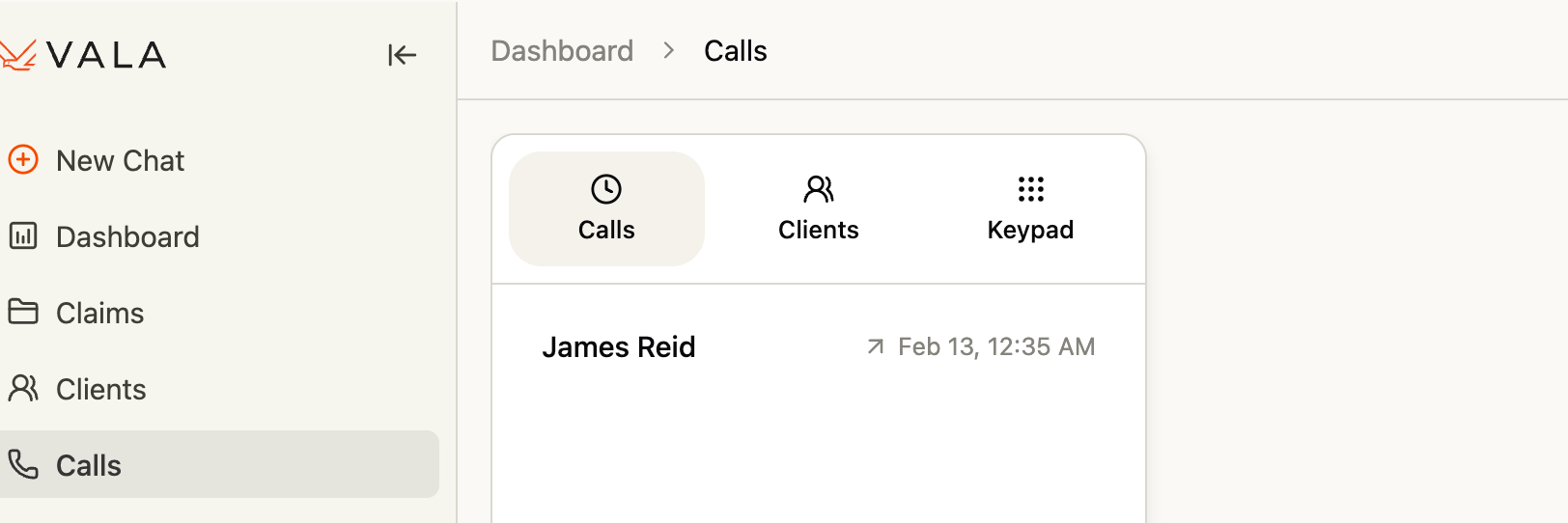
Redesigned Calls UI - Cleaner call flow: select a client, dial, see live transcription status, and review call notes all in one streamlined experience.
Automations Page UI - Actions are now visible without scrolling, cards are centered and visually linked, and the title field is more prominent so you never forget to name your automation.
Bulk Client Upload - Now supports XLSX files in addition to CSV, with a clearer file picker and improved template guidance.
Client Table Preferences - Your preferred page size and display settings are now saved so you don't have to reset them every time you navigate away.
Faster Document Processing - Upgraded to a hybrid processing approach with more concurrent workers for significantly faster document ingestion.
Large PDF Support - Documents with thousands of pages (like full C-Files) are now handled reliably.
Secure Document URLs - All document and form previews now use signed URLs for improved security.
Client Activity Tab - The activity tab in client details now populates with a full log of client-related events.
Fixed
Call Transcripts - Live transcription now displays correctly during calls, and completed call records are saved even if the call is ended early.
AI Chat Accuracy - Resolved an issue where the assistant failed to find conditions referenced in medical records using clinical terminology.
Password Reset - Fixed an issue that could prevent the password reset flow from completing.
PDF Form Compatibility - Autofilled PDF form fields now display correctly in Adobe Acrobat desktop.
Feedback Submission - The thumbs-down feedback button in chat now works as expected.
Document Upload Reliability - Improved stability for large batch uploads and long-running document processing.